


Buying a TikTok Ads account is becoming a common shortcut for businesses and agencies looking to scale fast. TikTok’s audience is huge and very active, but getting started with ads can feel confusing, especially if your business is new or you face account approval delays. If you want to launch campaigns quickly, skip restrictions, or manage many clients, buying a verified TikTok Ads account can help. This guide explains everything: account types, pricing, risks, benefits, and how to choose wisely—so you can make a confident decision.
Why Buy a TikTok Ads Account?
TikTok advertising is powerful, but setting up an account yourself can take time. Some businesses face approval issues, long verification waits, or spending limits that stop them from scaling. Here’s why people buy TikTok Ads accounts:
- Instant access: Start campaigns right away, no wait for TikTok approval.
- Bypass restrictions: Some accounts come with higher spend limits, aged history, or proxies.
- Multiple accounts: Agencies need several accounts for client management.
- Ready balances: Some accounts are preloaded with funds, so you can run ads instantly.
If you’re serious about TikTok marketing, buying an account saves time and removes barriers. But it’s important to understand your options and the risks.
TikTok Ads Account Types Explained
Not all TikTok Ads accounts are the same. Each type suits a different need and budget. Here’s a breakdown:
New TikTok Ads Account (no Balance)
- What you get: Verified account, no ad history, full Ads Manager access.
- Price: $120
- Best for: Beginners or small businesses who want control and flexibility. You fund the account yourself.
New TikTok Ads Account ($100 Preloaded)
- What you get: Verified account, $100 ad balance, Ads Manager access.
- Price: $150
- Best for: Anyone who wants to launch ads immediately, with a small budget ready.
Aged TikTok Ads Account (10–15k Friend History, No Balance)
- What you get: Account aged over 12 months, Ads Manager access, anti-detect browser setup, residential proxy.
- Price: $450
- Best for: Scaling campaigns. Aged accounts are trusted by TikTok, so they face fewer restrictions and are less likely to be banned.
High-spend TikTok Ads Account (new, $100 Balance)
- What you get: Verified account, $100 balance, high spend limit ($5,000+), Ads Manager access, proxy.
- Price: $600
- Best for: Agencies or advertisers with big budgets. These accounts can run larger campaigns without hitting daily spend limits.
Agency Bundle (mixed Aged/new, $100 each)
- What you get: Three accounts (mix of aged and new), Ads Manager, proxy, $100 balance per account.
- Price: $1100
- Best for: Agencies handling multiple clients. Bundles save money and simplify management.
Let’s compare these options side by side:
| Account Type | What’s Included | Price (USD) | Why Buy? |
|---|---|---|---|
| New (No Balance) | Verified, no ad history, Ads Manager | $120 | Budget-friendly; fund yourself |
| New ($100 Preloaded) | Verified, $100 balance, Ads Manager | $150 | Run ads instantly |
| Aged (10–15k Friend History) | 12+ months aged, Ads Manager, Anti-Detect Browser, Proxy | $450 | Trusted for scaling |
| High-Spend (New, $100 Balance) | Verified, $100 balance, High Spend Limit ($5,000+), Proxy | $600 | High-budget campaigns |
| Agency Bundle | 3 accounts, Ads Manager, Proxy, $100 each | $1100 | Manage multiple clients |
How TikTok Ads Accounts Work
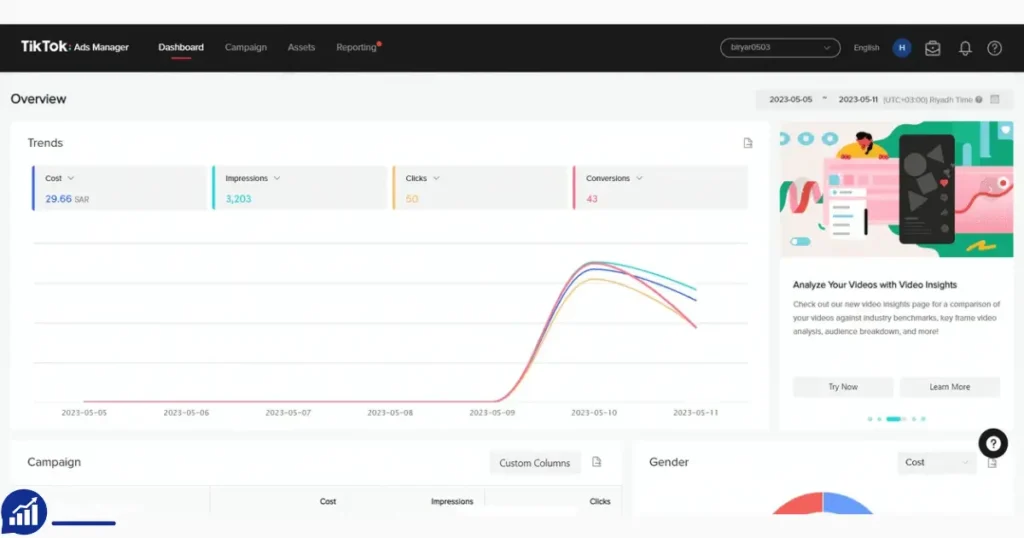
When you buy a TikTok Ads account, you get login details for an account that’s already set up and verified. Most sellers deliver:
- Email and password
- Backup codes or security answers
- Ads Manager access
- Proxy or browser setup (for privacy and anti-detect)
- Instructions for safe use
You’ll need to change passwords and secure the account after purchase. For accounts with a proxy, you connect through a special browser or app to protect the account’s location and history.
Some accounts come with a balance, so you can start advertising right away. Others are empty—you add funds yourself. Aged accounts have history and are seen as more trustworthy by TikTok, so they’re less likely to face bans or restrictions.
Benefits Of Buying A TikTok Ads Account
The main advantage is speed. You skip the time-consuming setup process and can launch ads immediately. But there are other benefits:
- Higher spend limits: Some accounts have proven histories, allowing bigger daily budgets.
- Better approval rates: Aged accounts often avoid ad rejections or bans.
- Access to special features: Some sellers provide accounts with proxies or anti-detect browsers, useful for privacy.
- Flexibility: Agencies can manage many accounts for different clients, avoiding overlap or account bans.
TikTok is strict about ad content and account behavior. Aged or high-spend accounts often survive longer, even with aggressive campaigns. This is a big advantage for dropshipping, affiliate marketing, and brand growth.
Risks And Legal Concerns
Buying TikTok Ads accounts is not officially allowed by TikTok. There are risks:
- Account bans: TikTok may ban accounts bought from third parties, especially if behavior changes suddenly.
- Scams: Some sellers offer fake or low-quality accounts. Always check reviews or buy from trusted sources.
- Security issues: Accounts can be stolen, resold, or compromised.
- Legal risks: You may violate TikTok’s terms of service, risking permanent loss.
If you’re careful, many buyers succeed. But understand the risks before investing. Never use the same IP address or device for multiple accounts, and follow the seller’s instructions closely.
TikTok Ads Pricing Overview
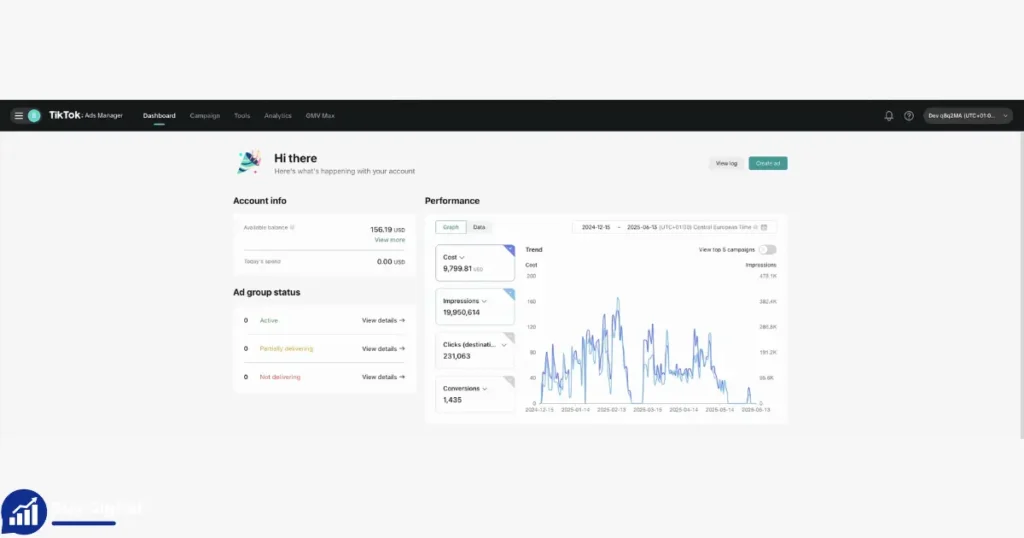
Pricing depends on account type, age, balance, and included extras. Here’s what you can expect:
- New TikTok Ads Account (No Balance)
- Price: $120
- Features: Verified, no ad history, Ads Manager access
- Why buy: Cheapest option, full control, fund yourself
- New TikTok Ads Account ($100 Preloaded)
- Price: $150
- Features: Verified, $100 balance, Ads Manager access
- Why buy: Start ads instantly, minimal hassle
- Aged TikTok Ads Account (10–15k Friend History, No Balance)
- Price: $450
- Features: 12+ months aged, Ads Manager, anti-detect browser, residential proxy
- Why buy: More trust, higher limits, safer scaling
- High-Spend TikTok Ads Account (New, $100 Balance)
- Price: $600
- Features: Verified, $100 balance, high spend limit ($5,000+), Ads Manager, proxy
- Why buy: Big-budget campaigns, less risk of restriction
- Agency Bundle (Mixed Aged/New, $100 Each)
- Price: $1100
- Features: 3 accounts, Ads Manager, proxy, $100 balance each
- Why buy: Manage multiple clients, save money
Here’s another way to look at the value:
| Price | Spend Limit | Aged? | Balance Included | Ideal For |
|---|---|---|---|---|
| $120 | Standard | No | No | Small business |
| $150 | Standard | No | $100 | Quick launch |
| $450 | Higher | Yes | No | Scaling |
| $600 | $5,000+ | No | $100 | Big campaigns |
| $1100 | Varies | Mixed | $100 each | Agencies |
How To Choose The Right TikTok Ads Account
Choosing the right account depends on your budget, goals, and campaign size. Here’s what to consider:
1. Budget
If you’re starting small, a new account (no balance) is cheapest. If you need to launch fast, pay extra for a preloaded balance.
2. Campaign Goals
Aged accounts are best for scaling, as they survive longer and face fewer restrictions. High-spend accounts are ideal for big brands or agencies.
3. Account Features
Check if the account comes with a proxy or anti-detect browser. These extras protect privacy and help avoid bans.
4. Number Of Accounts Needed
Agencies and freelancers managing clients should consider bundles. It’s cheaper and easier to manage.
5. Seller Reputation
Only buy from trusted sellers. Look for reviews, guarantees, and support.
6. Spend Limits
If your campaigns need high daily budgets, pick accounts with higher spend limits.
Here’s a quick decision matrix:
| Need | Best Account Type | Why? |
|---|---|---|
| Small Budget | New (No Balance) | Cheapest, flexible |
| Quick Start | New ($100 Preloaded) | Ready funds, instant ads |
| Scaling | Aged | Trusted, higher limits |
| High Spend | High-Spend | Big campaigns, fewer restrictions |
| Agency | Agency Bundle | Multiple accounts, saves money |
Buying Process: Step-by-step
If you decide to buy, follow these steps to stay safe:
- Research sellers: Find trusted platforms or referrals. Avoid unknown sellers.
- Ask questions: Check account details, age, spend limits, and extras.
- Request guarantees: Reliable sellers offer a replacement if accounts fail.
- Pay securely: Use platforms with buyer protection.
- Secure the account: Change passwords, set up two-factor authentication, and follow the seller’s instructions.
- Fund the account: Add your payment method or use the preloaded balance.
- Connect via proxy/anti-detect browser: If included, use the tools to avoid bans.
- Start your campaigns: Begin with small budgets, test performance, and scale gradually.
Many beginners skip the proxy or anti-detect browser step. This is a mistake—TikTok detects location and device changes, so using the tools provided keeps your account safe.
Common Mistakes When Buying TikTok Ads Accounts
Mistakes can lead to bans or wasted money. Here are common errors:
- Not checking seller reputation: Buying from unknown sellers often leads to scams.
- Changing account details too fast: TikTok may flag sudden changes. Wait 24–48 hours before major edits.
- Ignoring proxies or browser setup: Always use the tools provided. Don’t log in from random devices.
- Running aggressive campaigns immediately: Start with small budgets and simple ads. Build trust first.
- Using the same IP for multiple accounts: TikTok bans accounts linked to the same IP address. Use separate proxies.
A non-obvious insight: many buyers lose accounts because they ignore device and IP hygiene. TikTok checks both closely, so always use the seller’s setup for each account.
Is Buying A TikTok Ads Account Right For You?
Buying a TikTok Ads account is not for everyone. It’s best for:
- Agencies who need multiple accounts.
- Businesses facing TikTok approval delays or bans.
- Marketers running big or risky campaigns.
If you’re a small business with simple needs, setting up your own account may be safer. But for scaling, aggressive ads, or quick launches, buying can save weeks or even months.
Real-world Examples And Use Cases
Let’s look at practical examples:
- Dropshipping business: Needs to launch many campaigns quickly. Buys aged accounts to avoid bans and scale fast.
- Agency: Manages multiple clients. Buys a bundle for easier management and less overlap.
- Brand facing bans: After losing their original account, buys a high-spend account to restart campaigns.
One key insight: aged accounts often survive risky campaigns better, because TikTok trusts their history. But high-spend accounts are ideal for brands with big budgets.
How To Fund Your TikTok Ads Account
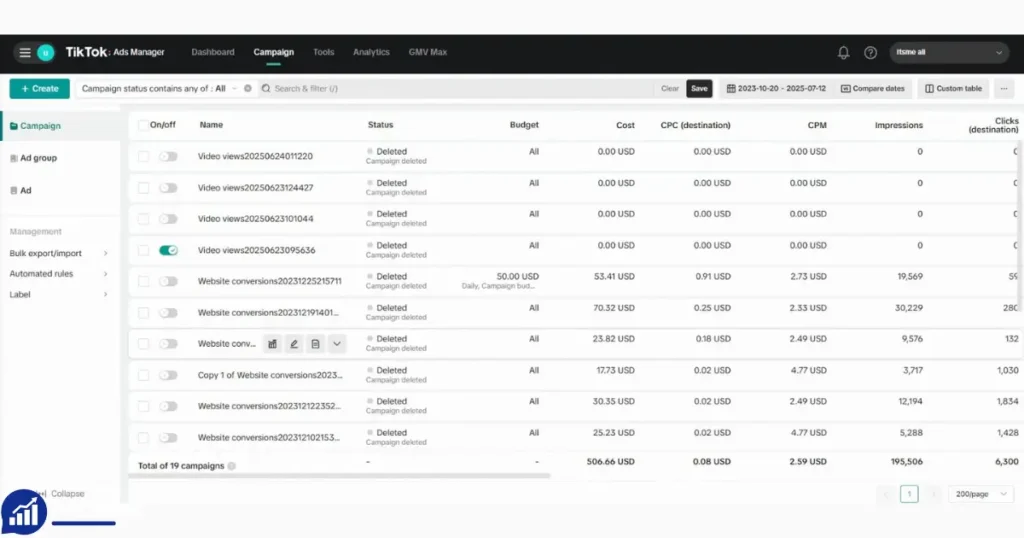
After buying, you need to fund your account for ad spending. For accounts without a balance:
- Add payment method: Credit card, PayPal, or other options.
- Buy TikTok ad credits: Some sellers offer credit top-ups.
- Check spend limits: Start with small amounts to test account stability.
For preloaded accounts, use the balance and add more funds as needed.
Tips For Long-term Success
If you want your TikTok Ads account to survive and perform well:
- Follow TikTok’s ad rules: Avoid banned content, misleading ads, or aggressive targeting.
- Warm up the account: Run small, simple campaigns first. Build trust before scaling.
- Rotate creatives: Don’t run the same ad over and over.
- Keep account history clean: Avoid sudden changes to profile, payment methods, or devices.
- Use proxies and anti-detect browsers: This protects location and device history.
Many beginners rush to launch big campaigns. But TikTok’s system rewards patience—a slow, steady approach builds account reputation and allows higher spend.
Alternatives To Buying TikTok Ads Accounts
If you don’t want to buy, consider these options:
- Apply for TikTok Ads yourself: Takes longer, may face restrictions.
- Use TikTok Agency Partners: Some agencies have special access, but it costs more.
- Run ads through third-party platforms: Limited features, but no need for a TikTok account.
If you’re unsure, start with your own account. Buying is best for scaling or overcoming restrictions.
TikTok Ads Account Security: What You Need To Know
Protecting your account is critical. Here’s how:
- Change login details immediately: After buying, update password and recovery info.
- Enable two-factor authentication: Extra security layer.
- Follow seller’s proxy/browser setup: Keeps account safe from TikTok’s detection.
- Avoid sharing account details: Never share with others unless necessary.
- Monitor account activity: Watch for suspicious logins or bans.
Accounts are often banned because buyers ignore security steps. TikTok’s system is strict—one mistake can cost the account.
TikTok Ads Account For Agencies
Agencies often need many accounts to manage campaigns for different clients. Buying bundles is cost-effective and allows easy control. Here’s how agencies benefit:
- Separate accounts for each client: Avoid overlap and account bans.
- Higher spend limits: Allows bigger campaigns.
- Proxy setup: Keeps each account safe and independent.
Agencies can offer better service and scale campaigns fast with bundles. But they must follow best practices for security and account hygiene.
TikTok Ads Account Trends And Market Data
The market for TikTok Ads accounts is growing fast. Some data:
- TikTok has over 1 billion monthly active users.
- Businesses spend billions on ads every year.
- Demand for aged and high-spend accounts is rising—especially among agencies and dropshippers.
- Most accounts are sold by specialist platforms or agencies.
Aged accounts are becoming more expensive as demand rises. High-spend accounts are rare and valuable—buyers pay a premium for instant access.
Frequently Asked Questions
What Is A TikTok Ads Account?
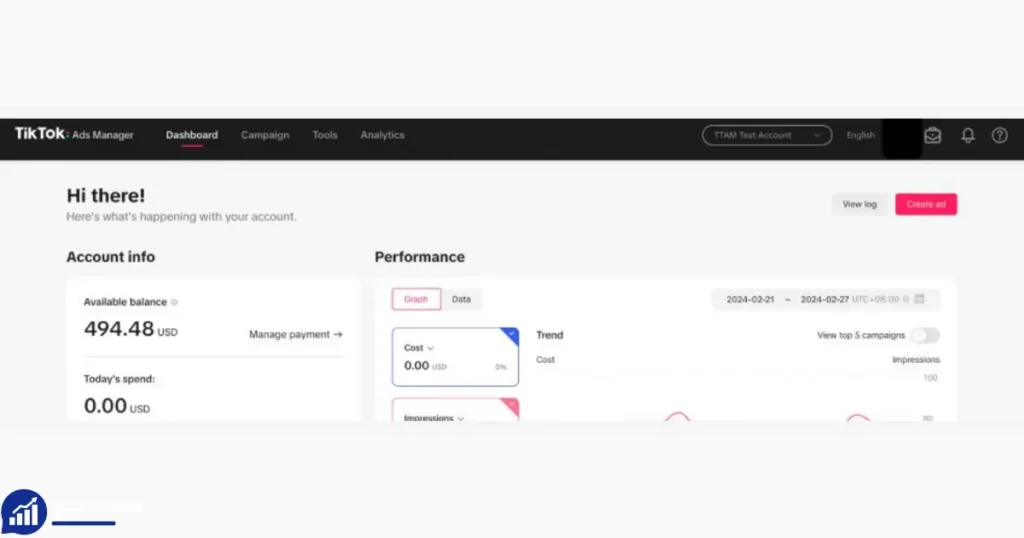
A TikTok Ads account is a verified account that lets you run ads through TikTok’s Ads Manager. You can target audiences, set budgets, and track results.
Is It Safe To Buy A TikTok Ads Account?
It’s safe if you buy from trusted sellers and follow best practices—use proxies, change login details, and run small campaigns first. There’s always risk, as TikTok doesn’t officially allow buying accounts.
How Do I Fund A TikTok Ads Account After Purchase?
Add your payment method or use the preloaded balance. Start with small amounts to test stability, then scale up.
What’s The Difference Between Aged And New Accounts?
Aged accounts have history and are trusted by TikTok. They face fewer bans and allow higher spend. New accounts are cheaper but may face restrictions.
Can I Manage Multiple TikTok Ads Accounts?
Yes, especially with bundles. Use separate proxies and devices for each account to avoid bans.
Buying a TikTok Ads account is a shortcut for scaling campaigns and managing clients. It’s not risk-free, but with smart choices and careful management, it can help your business grow faster. Always weigh the risks, choose the right account, and follow security steps for best results.








– Rizky Pratama
TikTok Ads Account was delivered instantly and verified. Ready to run my first campaign. Amazing service!